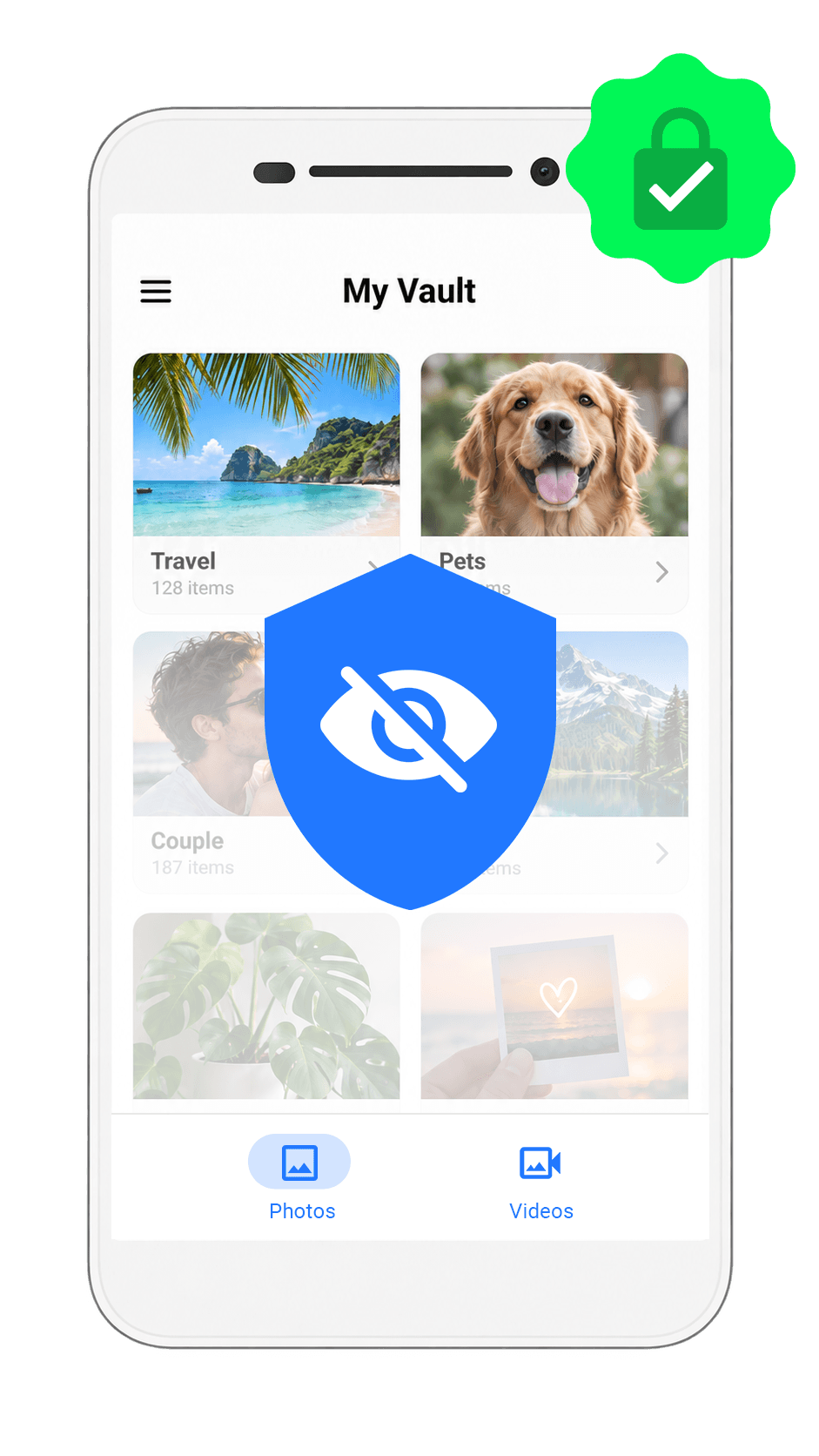
Hide private photos
Move personal photos into a dedicated private vault so they stay out of your everyday gallery and away from casual browsing.
Photo Lock gives you a clean private vault for personal photos and videos, protected with PIN and biometric access. Your private gallery stays one tap away for you—and out of sight for everyone else.
Google Play Rating
Users Worldwide
Privacy App Rank in USA
Protect, organize and access your private media with a clean experience designed for Android.
Move personal photos into a dedicated private vault so they stay out of your everyday gallery and away from casual browsing.
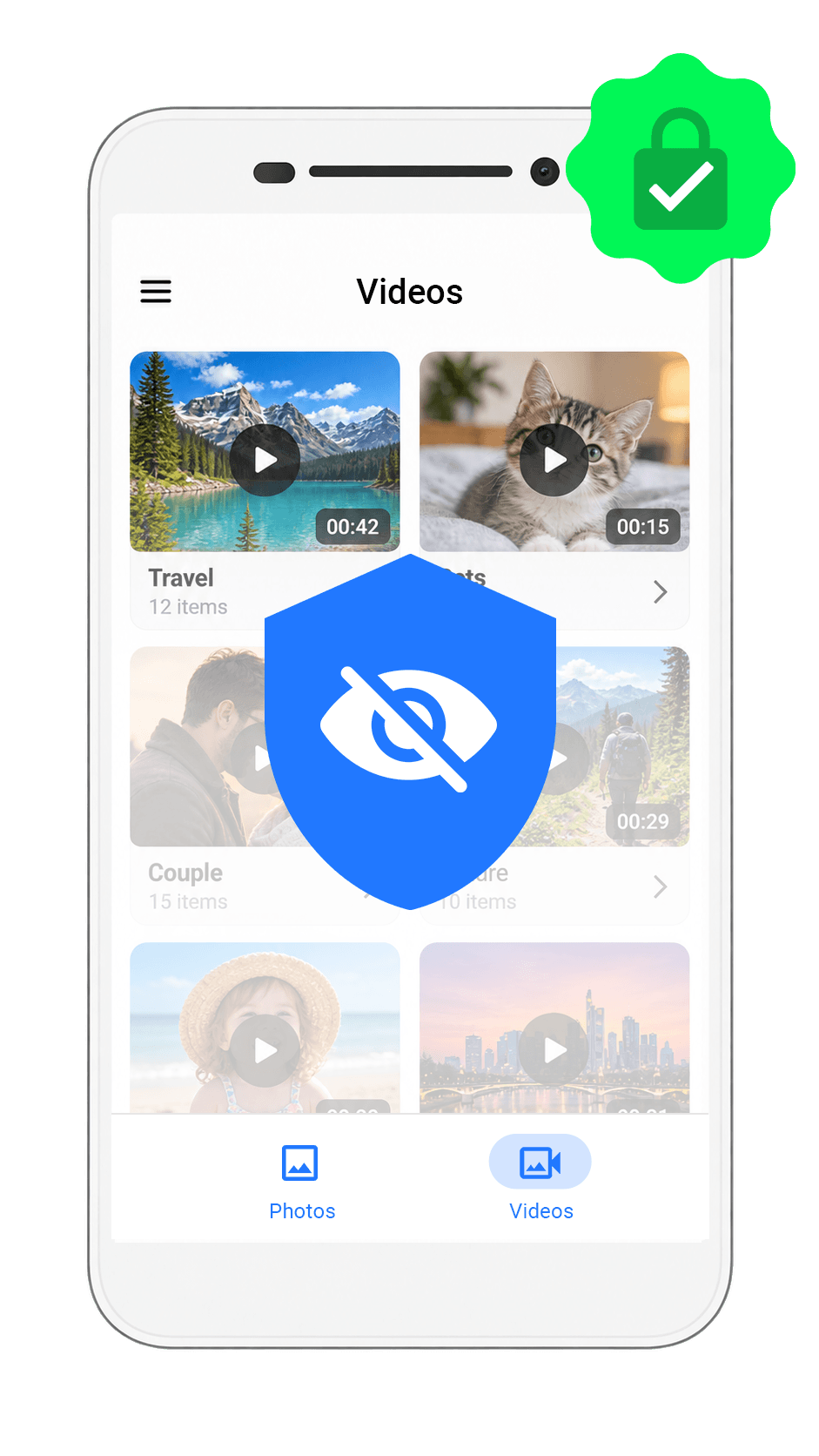
Keep sensitive videos behind a protected vault so personal moments remain private and accessible only when you unlock Photo Lock.
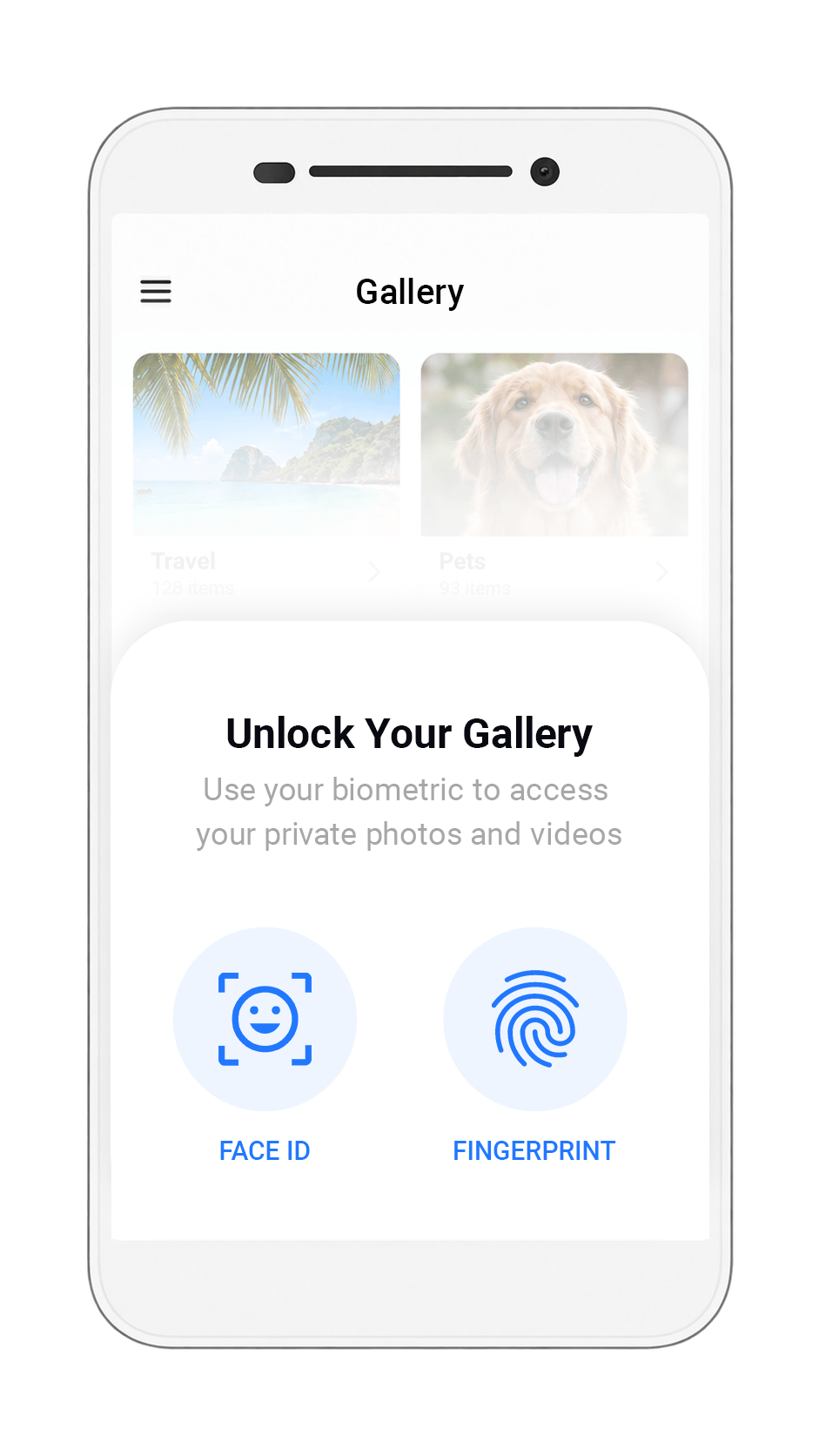
Use supported device biometrics for fast access while keeping your private vault protected from unwanted browsing.
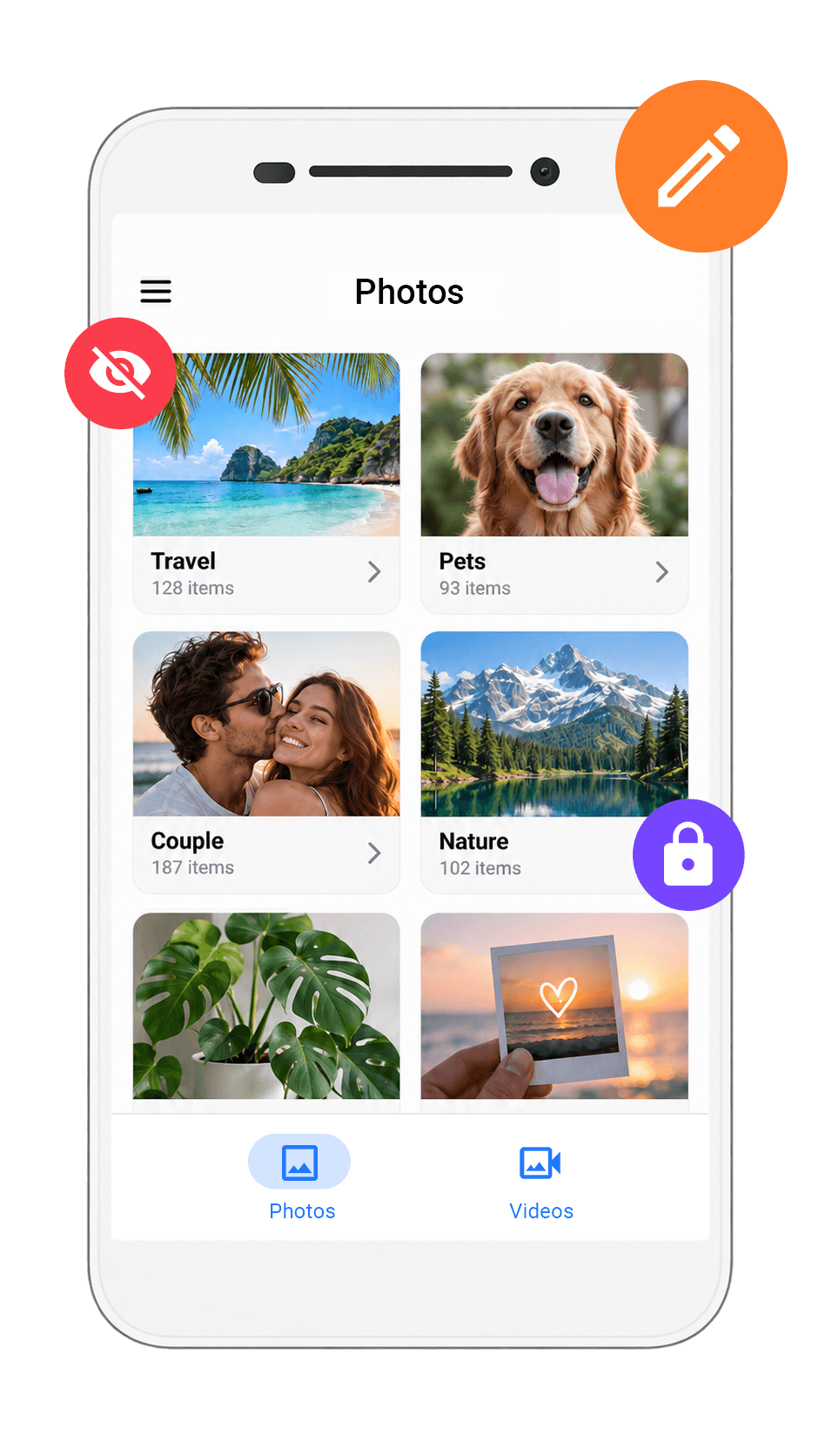
Create private folders and keep hidden photos and videos organized so the content you care about stays easy to find.
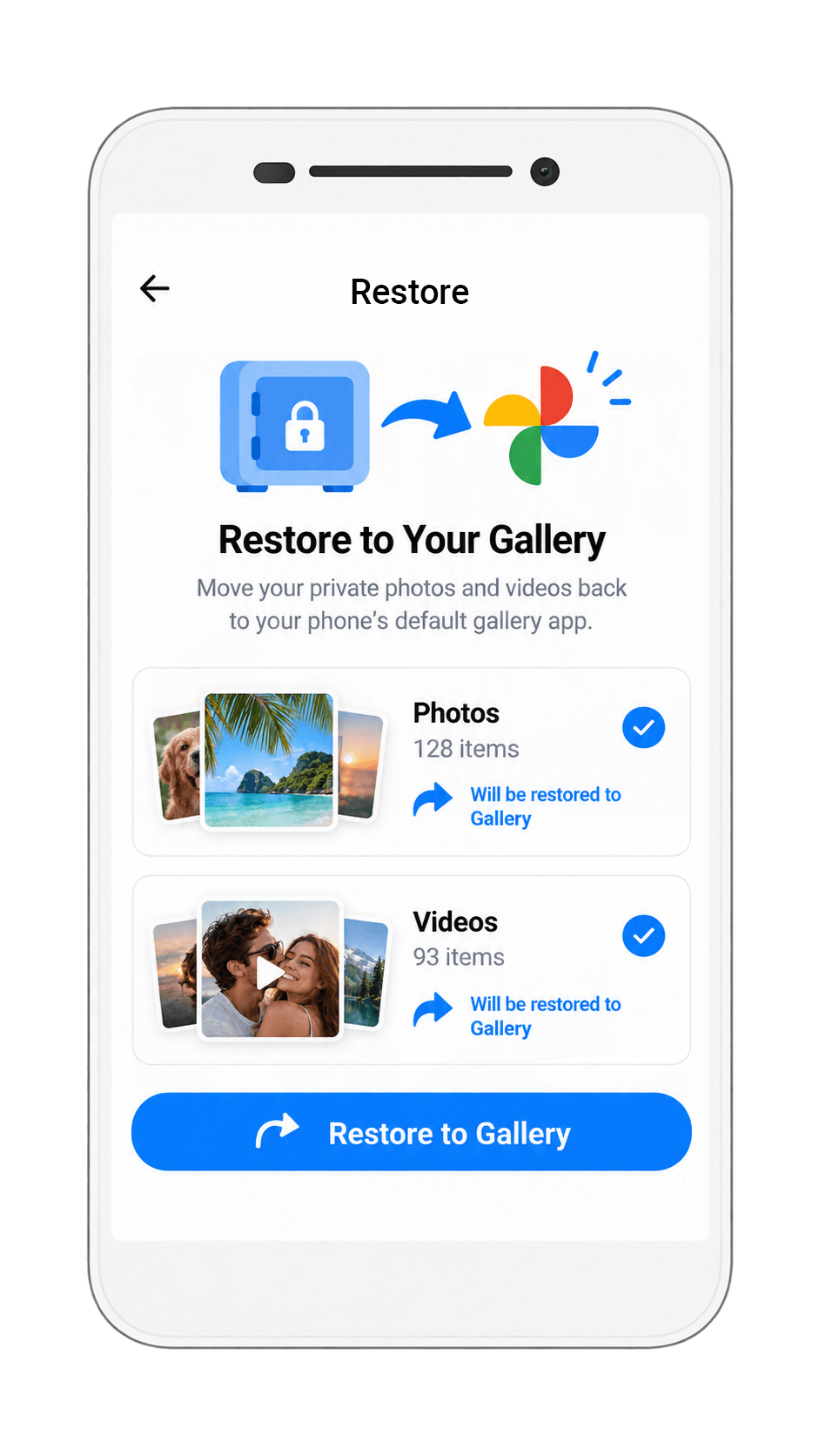
Return selected photos or videos to your device gallery whenever you decide they no longer need to stay hidden.
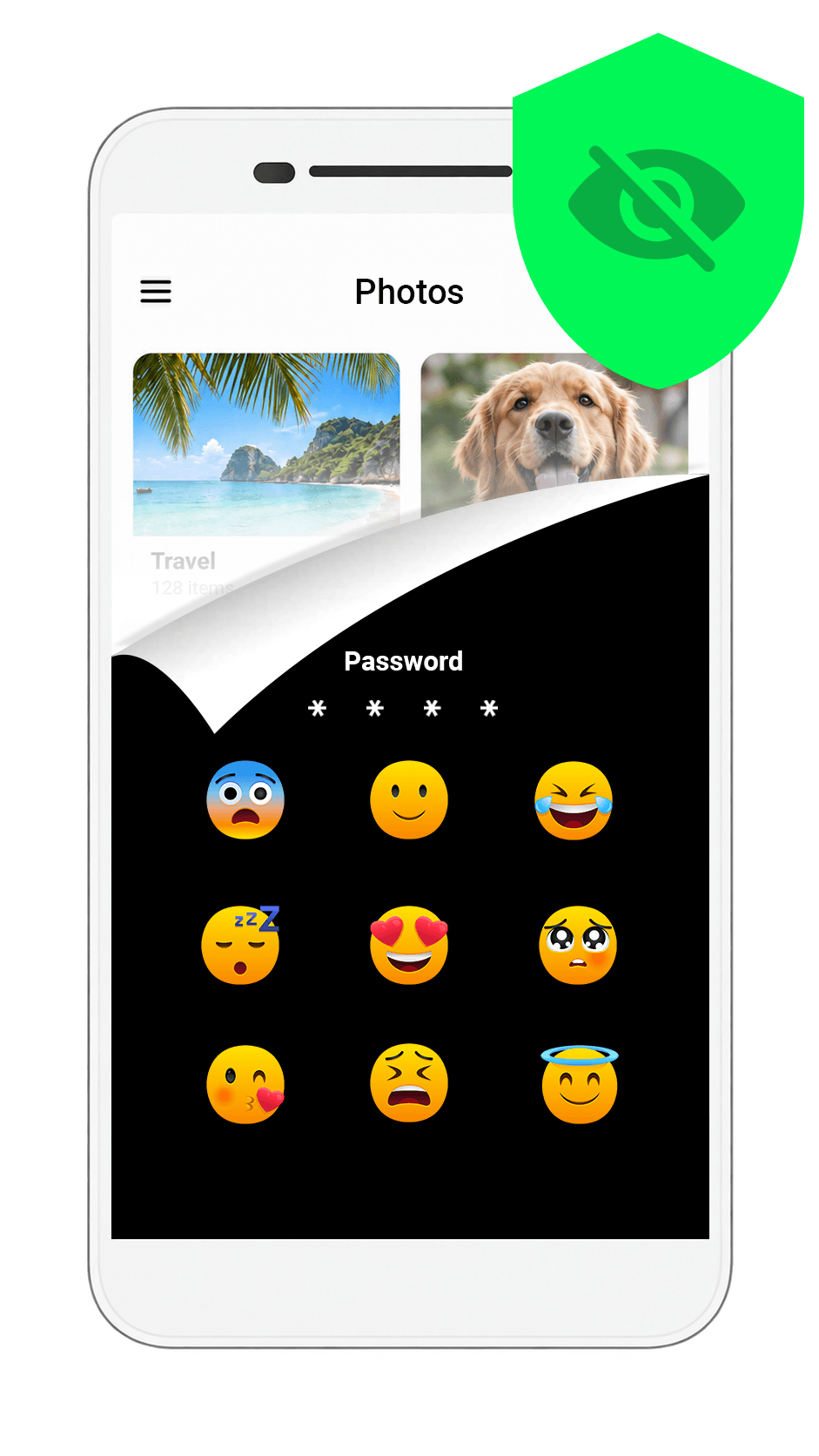
Unlock your private vault with a memorable emoji-based lock for a more personal way to protect access to your hidden media.
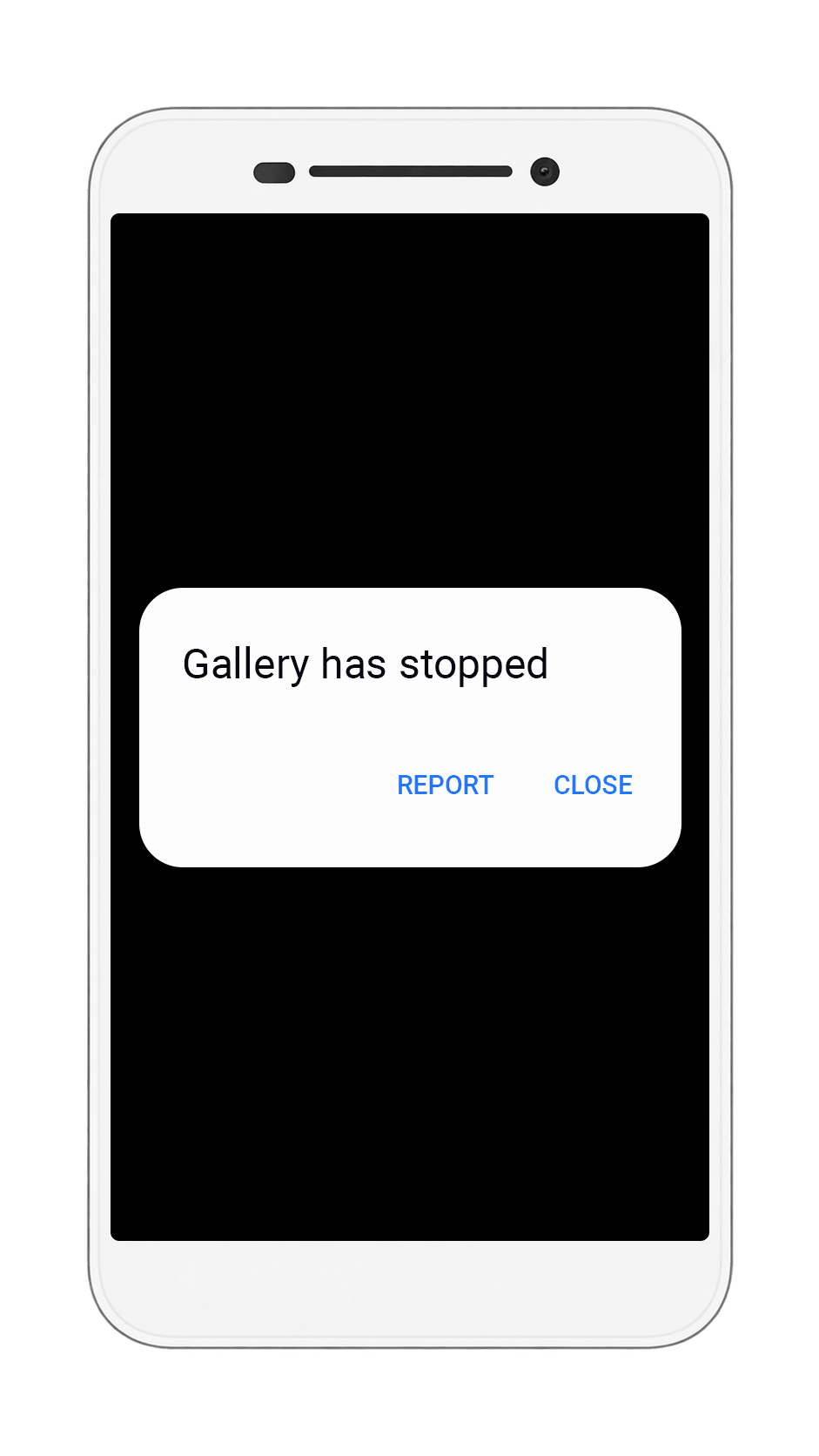
Disguise access to your vault with a fake crash screen that helps keep curious people from realizing your private content is protected inside.
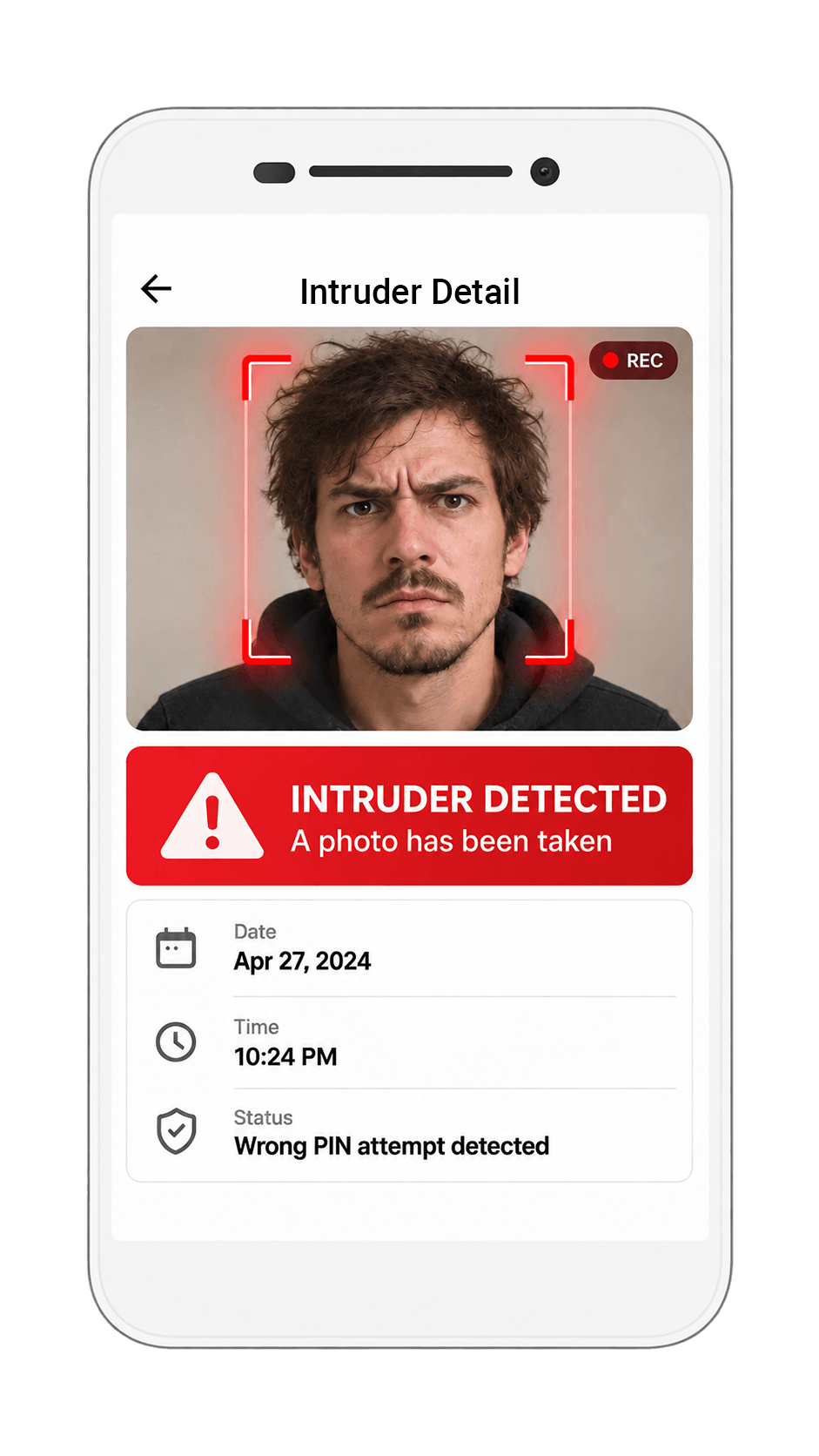
See who tried to open your private vault by capturing an intruder selfie after unsuccessful access attempts.
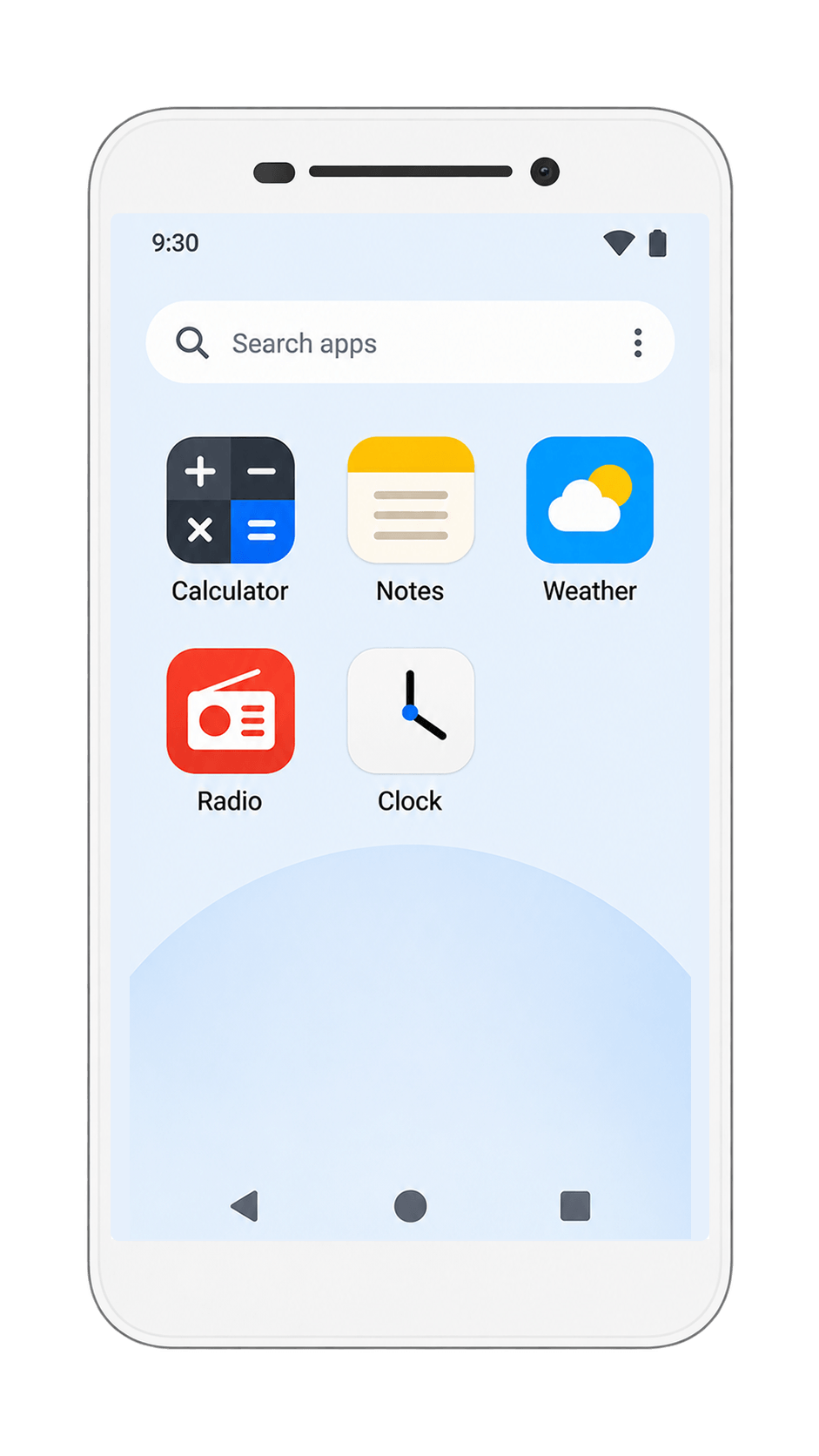
Make Photo Lock less obvious by changing how the app appears on your device with a disguised app icon and name.
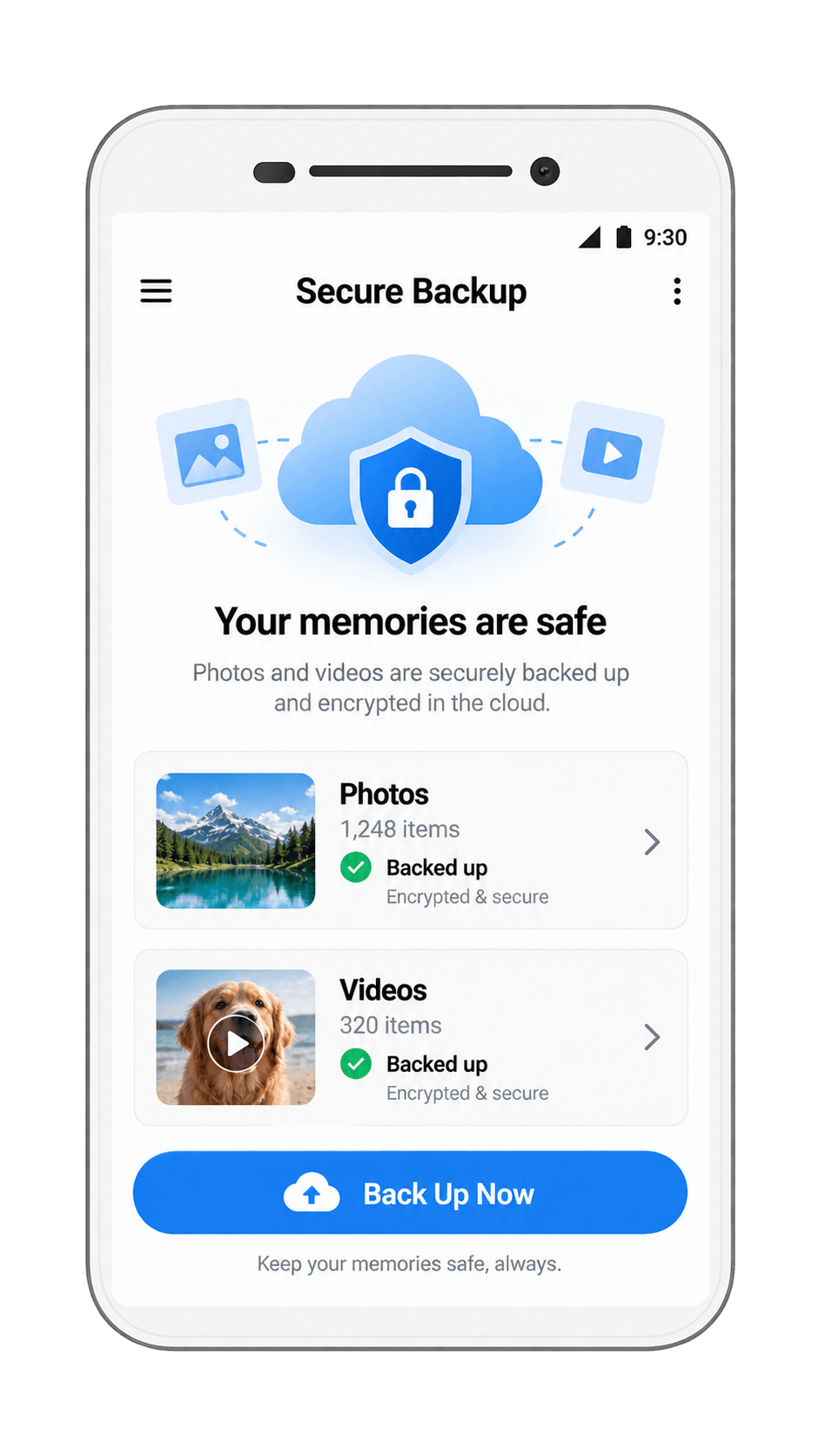
Keep an extra protected copy of important private media so your personal photos and videos are easier to recover when needed.
Personal documents, family pictures, private videos, screenshots or any media you simply prefer to keep separate—Photo Lock helps put them behind a dedicated privacy layer.
Keep your private photos and videos protected, organized, and easy to access. See why users choose Photo Lock to keep personal media away from their everyday gallery.
“Exactly what I wanted. It is simple, quick to open and I can keep private pictures away from my normal gallery.”
“The fingerprint unlock makes it very convenient. The app feels clean and I can find my hidden photos without digging through menus.”
“I like that photos and videos can stay together in private folders. Easy to understand from the first minute.”
“Very easy to use. I moved my private photos into the vault in just a few taps and the interface is really clean.”
“The private albums are exactly what I needed. Everything stays organized and separate from my normal gallery.”
“Fast, simple and not overloaded with confusing settings. Fingerprint unlock works great on my phone.”
“I wanted a straightforward photo vault and this does the job. Hiding and restoring media is easy to understand.”
“I really like the simple design. My private photos are easy to access for me but stay out of my main gallery.”
“Great for keeping personal screenshots and videos in one protected place. The folder organization is useful.”
“Setup was quick and the app feels polished. Biometric unlock makes opening the vault much faster.”
“A clean privacy app without unnecessary complexity. I can hide photos, organize them and restore them when needed.”
“The interface is very intuitive. I knew how to use the vault immediately and I like the private folder system.”
“Simple and reliable for keeping personal media separate. The blue design also looks modern and easy to navigate.”
Quick answers before you install.
Photo Lock is an Android privacy app designed to keep selected photos and videos inside a protected private vault.
On supported Android devices, Photo Lock can use biometric authentication such as fingerprint or face unlock for convenient access.
Yes. Media can be restored from the private vault back to your device gallery when you choose.
Photo Lock is available for Android on Google Play. Use any “Get it on Google Play” button on this page to open the official listing.
Yes. Photo Lock is designed to protect both private photos and private videos inside the same secure vault.
Yes. You can create private folders to keep hidden photos and videos organized and easier to find.
Emoji Lock gives you an alternative way to protect access to your private vault with a memorable emoji-based lock.
Fake Crash Lock disguises access to Photo Lock with a crash-style screen, helping keep curious people from immediately realizing a private vault is behind it.
Intruder Selfie is designed to capture a photo after unsuccessful attempts to access your private vault so you can see who tried to open it.
Photo Lock includes a secure backup feature intended to help you keep an additional protected copy of important private media and recover it when needed.
Core vault features are designed to work directly on your Android device. Some app or store-related functions may still require an internet connection.
Available recovery options depend on the version and security settings you configured. Keep your recovery information in a safe place and avoid uninstalling the app before restoring access.
Photos and videos moved into the private vault are intended to stay separate from your regular gallery until you choose to restore them.
Photo Lock is built for Android. Exact feature availability, including biometric unlock, can vary by Android version and device capabilities.
Photo Lock is designed for people who want a simple way to hide private photos and videos on Android without mixing sensitive media with their everyday gallery. Personal pictures, private videos, screenshots, documents and other media can be moved into a dedicated photo vault that is separate from normal browsing. When you want to open the vault, access can be protected with a PIN or supported biometric authentication such as fingerprint or face unlock.
Privacy is not only about hiding files. Photo Lock also gives you flexible ways to make the vault less obvious and easier to use. Emoji Lock offers a memorable alternative lock method, while Fake Crash Lock can disguise access behind a crash-style screen. Intruder Selfie adds another privacy layer by helping you see who attempted to open your private gallery after unsuccessful access attempts. Private albums and folders make it easier to organize hidden photos and videos, and selected media can be restored to the Android gallery whenever you decide it no longer needs to stay hidden.
For important personal media, Photo Lock also includes a secure backup feature intended to help with recovery when needed. The goal is a private gallery experience that stays straightforward: hide media, organize it, unlock quickly when it is yours, and keep it away from casual browsing when someone else is using your phone. If you are looking for a photo lock app, private photo vault, gallery lock or video vault for Android, Photo Lock brings those core privacy tools together in one clean app.
Download Photo Lock for Android and create your protected space for personal photos and videos.
